Category : Reverse Engineering
Description :
can you jump long enough ????? the flag is shiny !
𝐀𝐮𝐭𝐡𝐨𝐫 : 𝐁𝐥𝐚𝐜𝐤𝐤𝐚𝐝𝐞𝐫
Files Given : 'naggez.zip'
Solution
Let's extract the zip using the unzip command :

Oh a version for Linux and another for Windows
I'll be using the linux one ig , let's start with our file command :

Let's launch our executable then :
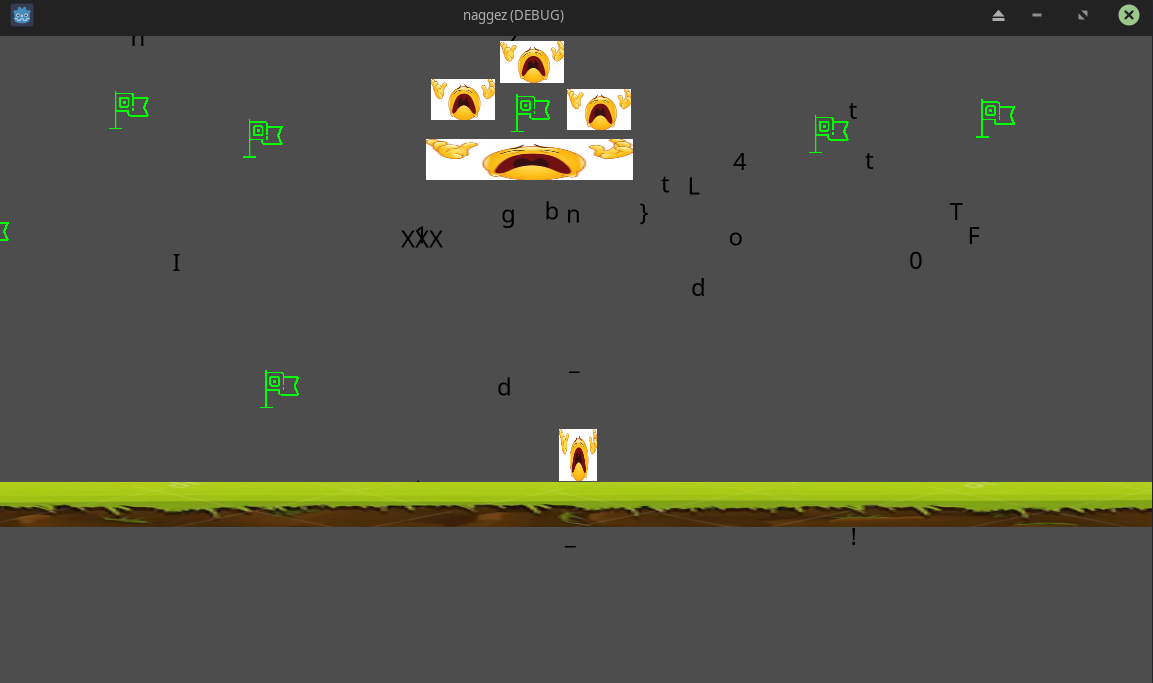
Oh what is that xDD , we got GODOT game engine ? , well it's self explanatory , this is a game and it was made with the game engine GODOT
What we can first observe are flags scattered around , and i guess the flag characters randomized around the screen too !
I can't jump enough come on ! , also when playing on full screen i could see more of the platform
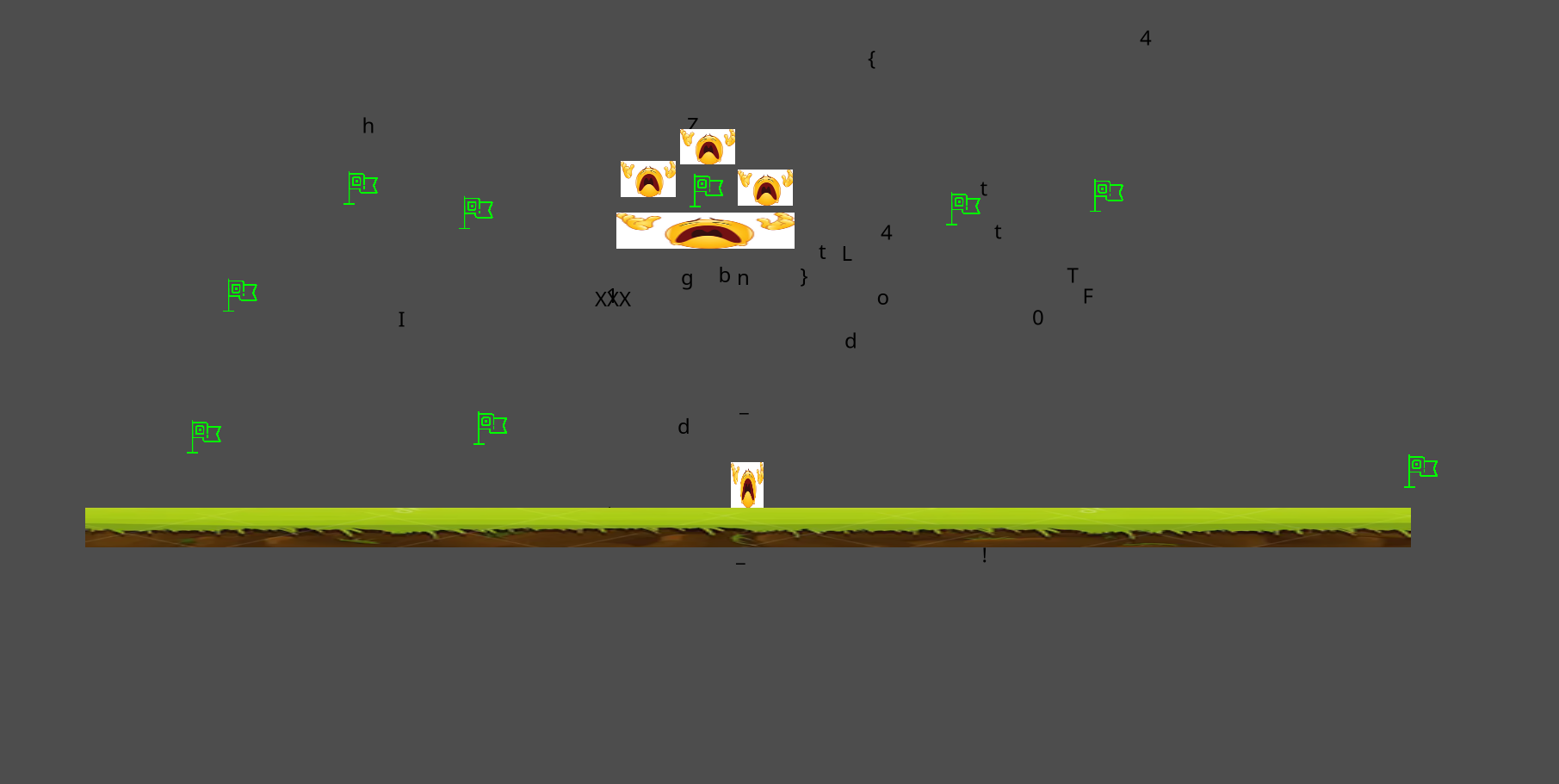
Let's try reaching the flag on right :
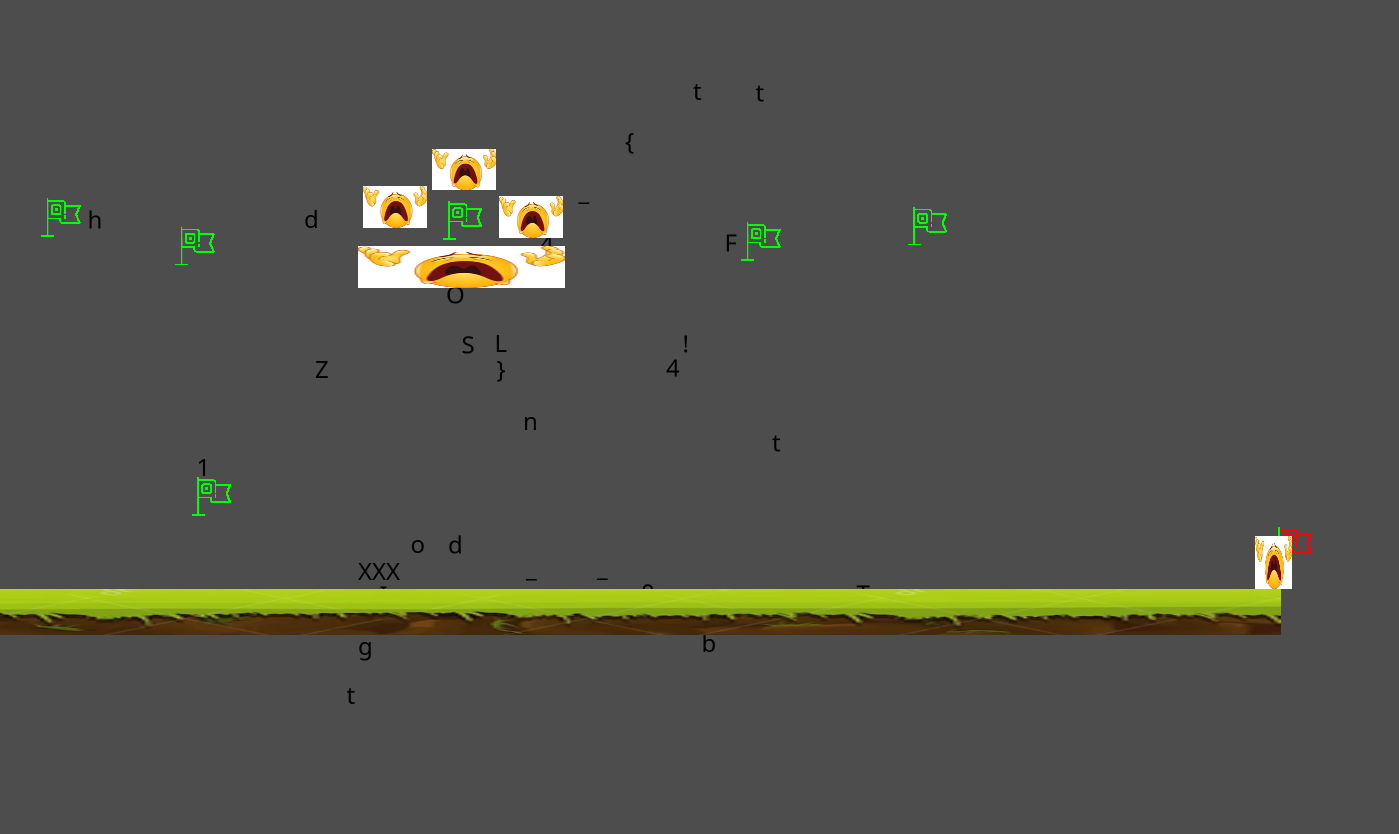
Oh ! the characters moved around the screen , we can assume that the author wants us to jump to that suspicious flag covered with emojis xD as he stated in the description " can you jump long enough ????? the flag is shiny ! "
Time to reverse engineer then .. , How can we get the files used to create a godot game ?? a little research will get us to this tool : Gdre_Tools
Which helps us decompile the game, let's give it a try :
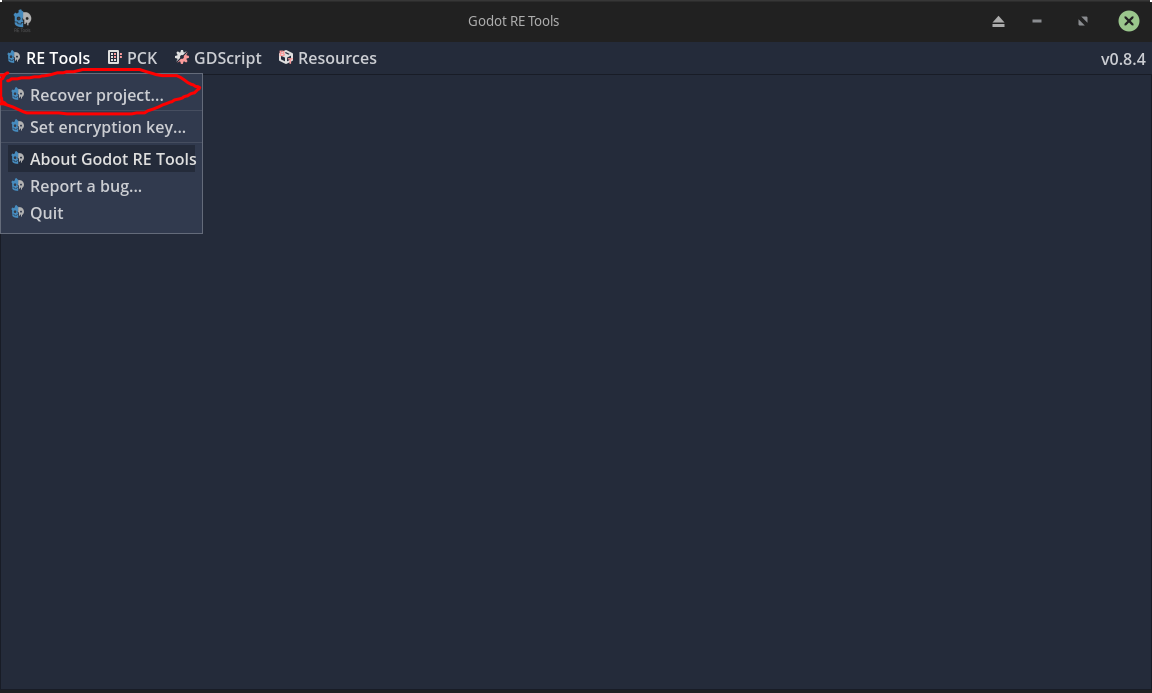
Let's try recover project ? We choose our file and the extract location and we successfully get our project back :
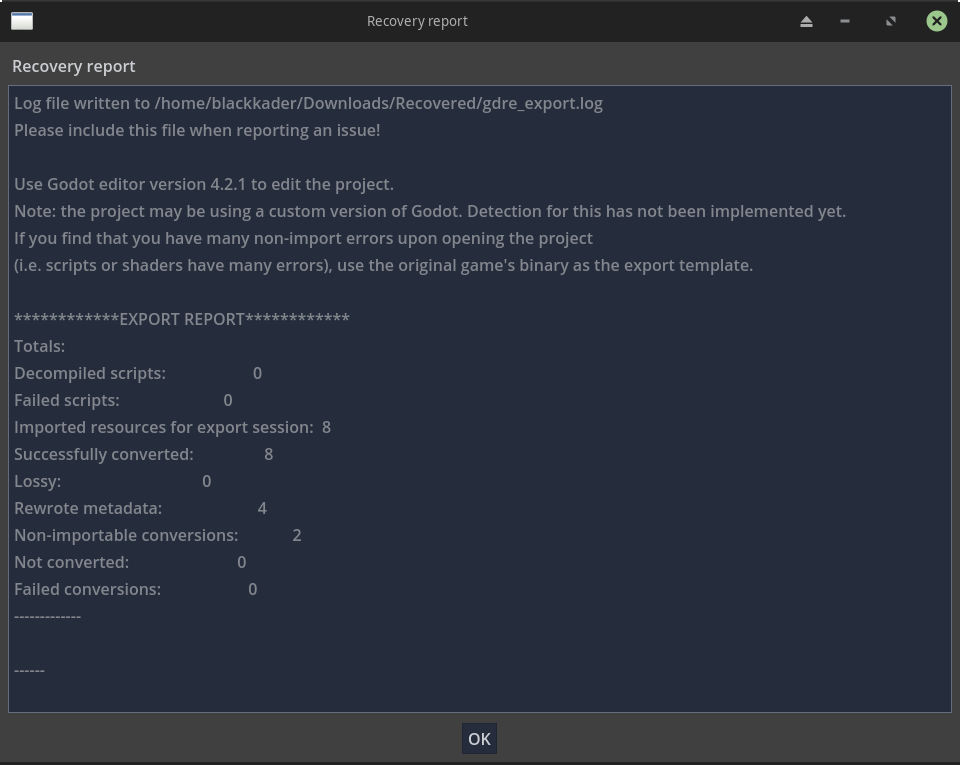
Now how can we open the project files ??? as we can see the Recovery Report , it says Use Godot editor version 4.2.1 to edit this project , time to install that and import our project :
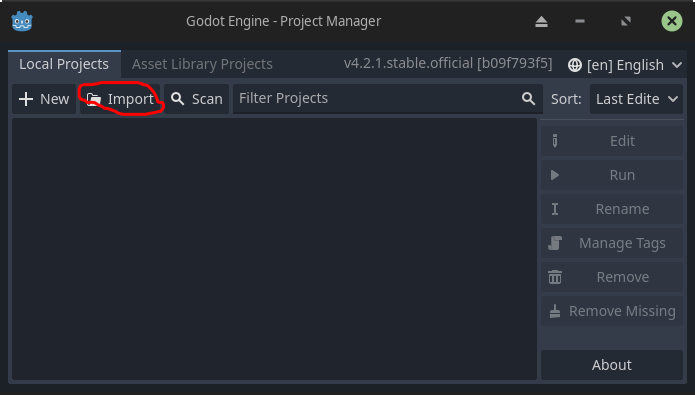
And there we go , we got our project back :
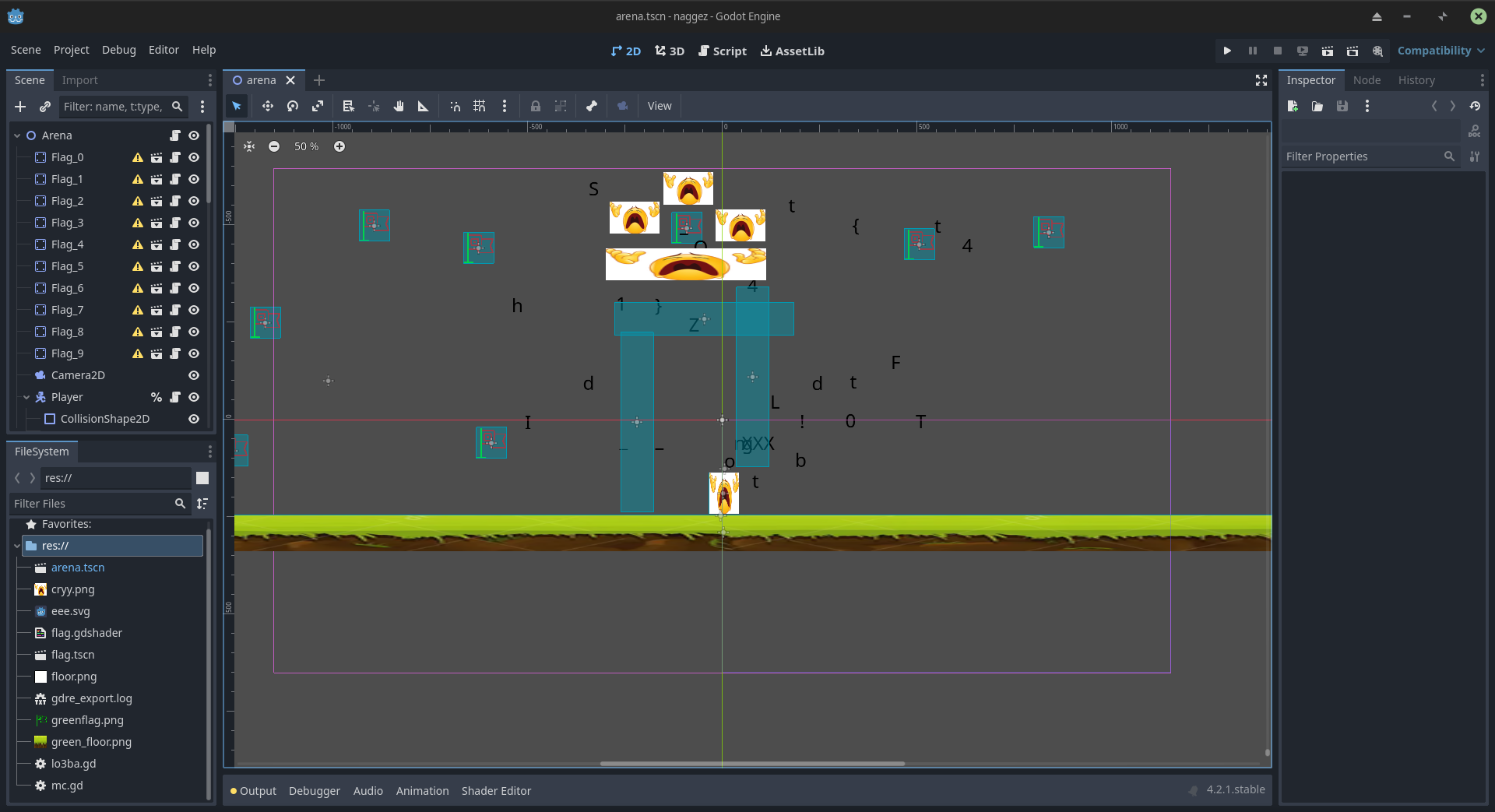
We are interested in reverse engineering right ? While analyzing the scripts out there we find out that the most interesting script among them is arena.tscn
extends Node2D

var flag_objects
# Called when the node enters the scene tree for the first time.
func _ready():
    flag_objects = get_children().filter(func(child): return child.name.match("Flag_*"))

func convert_hex_to_int(hex_val):
    if hex_val >= 0x30 && hex_val <= 0x39:
        return hex_val - 0x30
    else:
        return hex_val - 0x37

# Called every frame. 'delta' is the elapsed time since the previous frame.
func _process(delta):
    var flag_states = []
    for flag in flag_objects:
        flag_states.append(int(flag.target_state))
    var concatenated_flags = "".join(flag_states)
    var character_nodes = %FlagText.get_children()
    var transformation_values = [0x10e, -0x32, 0xaa, -0x46, -0xfa, -0x10e, 0x46, 0xfa, -0x1e, -0x6e, 0xd2, 0xbe, 0x6e, -0x5a, 0x96, 0x1e, -0xbe, -0x96, 0xe6, -0x122, 0x32, 0x82, -0xd2, -0xa, -0x82, -0xe6, 0x5a, -0xaa, 0xa]
    #1111011111

    if (concatenated_flags != "1111011111"):
        var hash_value = concatenated_flags.sha1_text().to_upper()
        hash_value += concatenated_flags.md5_text().to_upper()
        character_nodes[0].target_y = 0
        character_nodes[1].target_x = 1
        for i in character_nodes.size():
            character_nodes[i].target_x = convert_hex_to_int(hash_value.unicode_at(i * 2)) - 8
            character_nodes[i].target_y = convert_hex_to_int(hash_value.unicode_at((i * 2) + 1)) - 8
    else:
        var hash_value = concatenated_flags.sha1_text().to_upper()
        hash_value += concatenated_flags.md5_text().to_upper()
        for i in character_nodes.size():
            character_nodes[i].target_x = transformation_values[i]
            character_nodes[i].target_y = convert_hex_to_int(hash_value.unicode_at((i * 2) + 1)) - 8
        var unused_variable
        for loop_x in range(-290, 290, 20):
            var loop_index = 0
            for character_node in character_nodes:
                if character_node.target_x == loop_x:
                    if character_node.text != "XXX":
                        print("_\nb" if character_node.text == "b" else character_node.text)
func process is handling flag states ? that's what we want !
We can see that this part of code :
var flag_states = []
    for flag in flag_objects:
        flag_states.append(int(flag.target_state))
    var concatenated_flags = "".join(flag_states)
    var character_nodes = %FlagText.get_children()
    var transformation_values = [0x10e, -0x32, 0xaa, -0x46, -0xfa, -0x10e, 0x46, 0xfa, -0x1e, -0x6e, 0xd2, 0xbe, 0x6e, -0x5a, 0x96, 0x1e, -0xbe, -0x96, 0xe6, -0x122, 0x32, 0x82, -0xd2, -0xa, -0x82, -0xe6, 0x5a, -0xaa, 0xa]
    #1111011111
is actually storing the flag states in a variable called concatenated_flags
and in the if statement there is something interesting :
if (concatenated_flags != "1111011111"):
we can assume that 1 and 0 represent whether the flag was touched or no , but how do we know if 1 corresponds to yes or no ?? we can find our answer in flag.tscn :
extends StaticBody2D
class_name Flag

const TRANSITION_TICKS = 100
var target_state = true
var is_transitioning = false
@export var current_state = 1.0
when loaded , initial value is 1 = not touched yet
How do we know if flags are in order ? that's in the ready func :
func _ready():
    flag_objects = get_children().filter(func(child): return child.name.match("Flag_*"))
*match("Flag_")) we can assume that flag names will be : Flag_0 / Flag_1 etc...
We need to confirm that , and that's by checking the scene section in the upper left corner :
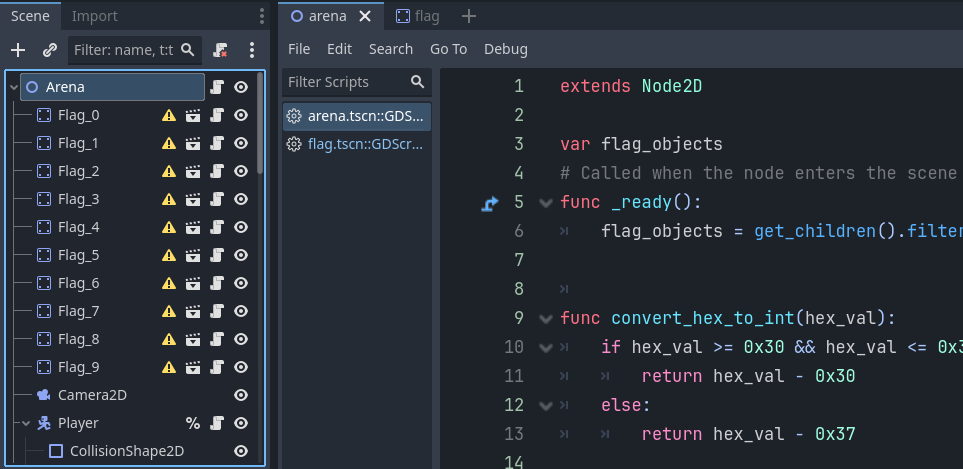
Yes ! they are in order
Then we can totally say that we have to touch the 5th flag (position of 0 in the string) But which flag is that ? is it the shiny one that's surrounded with emojis ?
Let's select the 5th flag while we open the arena in 2d , so it shows us which object we are currently selecting :
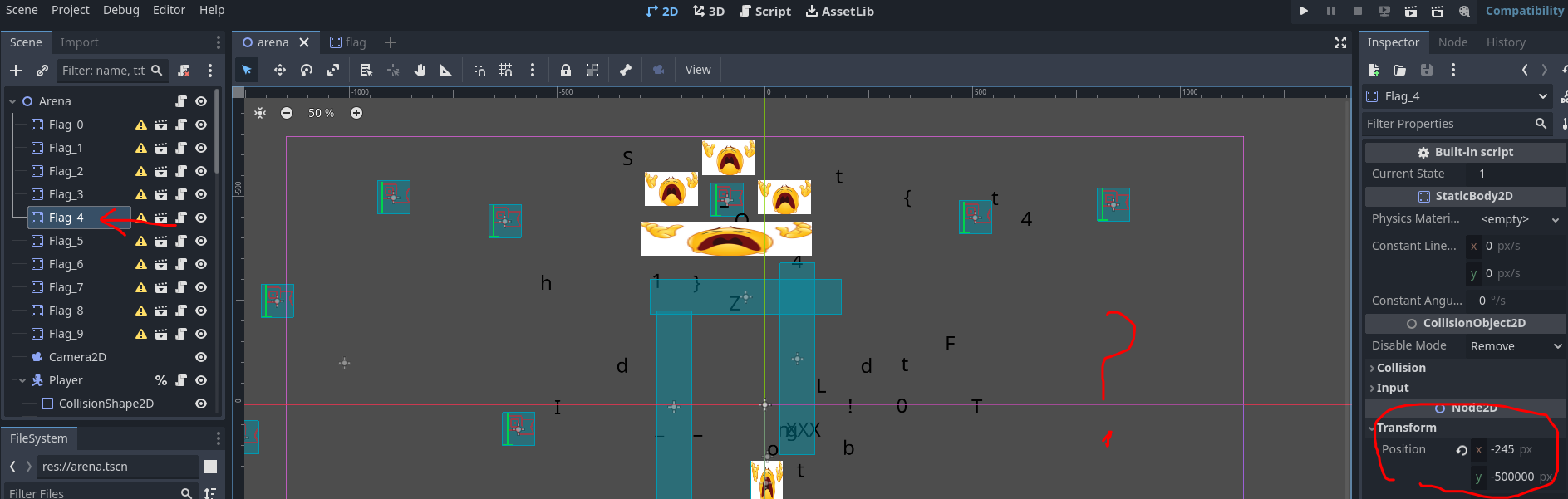
It's not there ? maybe it is , but it's TOO FARR ! , we can see the that the flag's position is actually (-245,500000) !!!
Let's bring it closer to us ! We change the Y's value to something smaller like 50
Then the flag will appear in the screen and we grab it and put it closer to us , so when we spawn we get it easily like this :
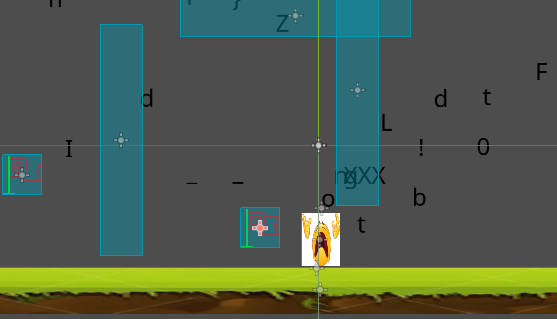
Time to launch our modified game now ! and see what happens :
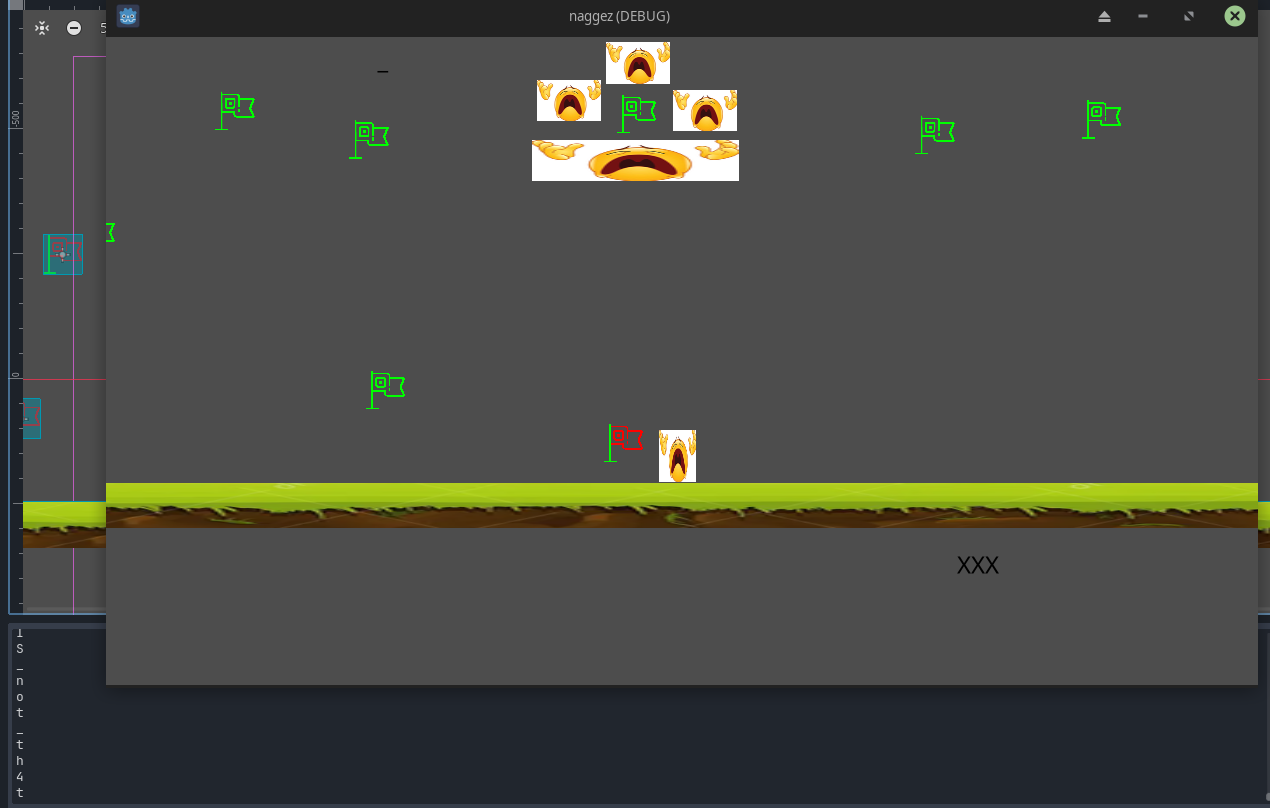
Damn , we can see characters are being printed in the log down there :
And they are the flag :
FL1TZ{g0dOt_IS_not_th4t_b4d!}
There are many other ways to solve this , for example we take what's happening in the else statement and copy it , inside the proc function , so when we start the game , the flag appears in the log
Another way is just a python script imitating the else statement as well !
I also wanna include this writeup of Fries who solved the challenge like a pro : naggez_by_Fries